
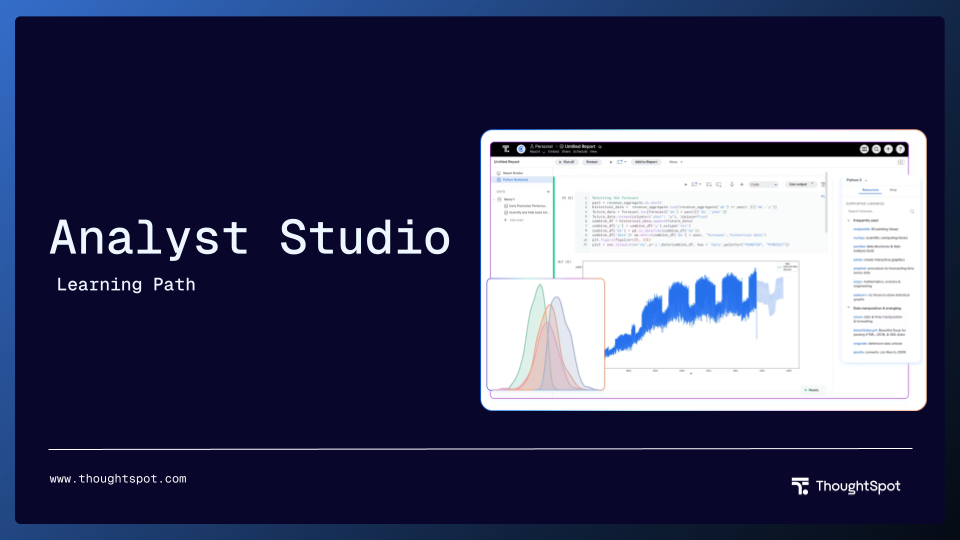
Analyst Studio Learning Path
The Analyst Studio Learning Path gives users an overview of Analyst Studio, and how it can be used to handle complex data modeling scenarios with ease.
Analyst Studio Learning Path
This learning path introduces you to Analyst Studio, the creator space that empowers data teams to accelerate data into insights — all within a unified, flexible, and integrated platform.
This path first walks through connecting databases to Analyst Studio, then using the SQL editor to write queries and run them against the connected databases. You'll learn how to save query results (or Google Sheets) as datasets, which can be published into your ThoughtSpot data workspace to join with other tables in models. And, you'll become familiar with the integrated Python & R Notebook, which enables automated workflows, advanced analytics like forecasting and customer segmentation, and more. This path also covers Visual Explorer and Quick Charts, which are environments in Analyst Studio that can be used for iterative visual analysis.
All of this content will unlock the power of Analyst Studio for you and your team so that you can get your data AI-ready, quickly.
Completion Badge: Complete all required courses in this path to earn a badge to add to your LinkedIn profile.

Show Overview

Show Overview

Show Overview

Show Overview
Show Overview

Show Overview

Show Overview

Show Overview

Show Overview

Show Overview

Show Overview
Show Overview